1. Personal Payment and Collection Scenarios
1.1 Personal Collection Scenarios
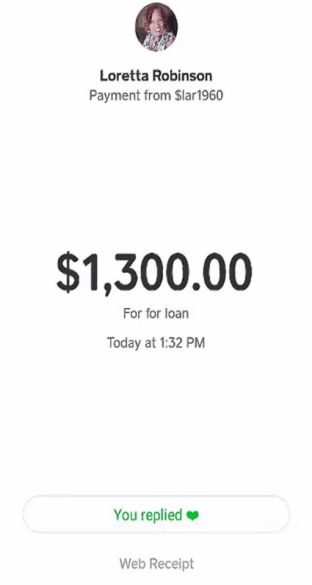
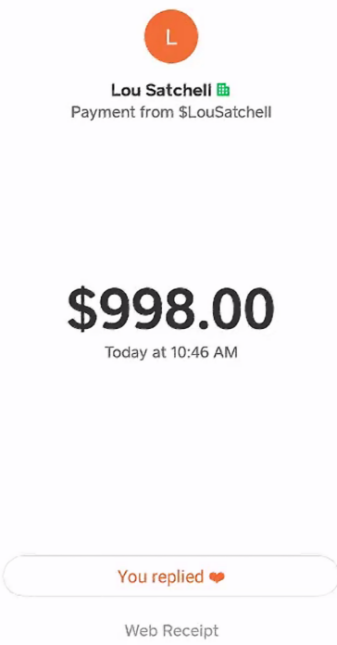
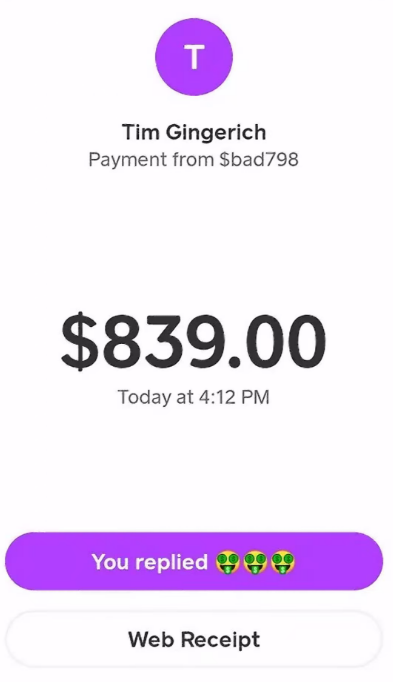
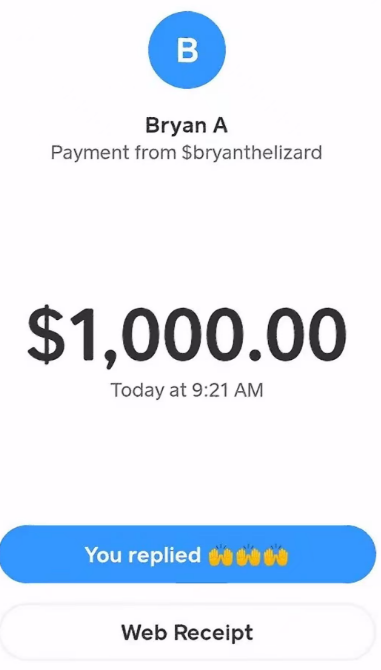
Collection refers to the personal use of receiving funds through a Cash App account. Core applicable scenarios include:
- Personal Cross-Border Collection: Receiving transfers from overseas friends/family, personal service compensation, small balance payments
- Personal Service Fee Collection: Targeted collection of small online service fees and custom service charges
- Multi-Account Fund Consolidation: Consolidating funds from multiple personally-owned Cash App accounts into a primary account
- Small Cross-Border Transaction Collection: Settlement of small personal cross-border transactions and services
1.2 Personal Payment Scenarios
Payment refers to the personal use of transferring funds out through a Cash App account. Core applicable scenarios include:
- Personal Cross-Border Transfers: Sending money to overseas friends/family, paying personal procurement fees, disbursing service compensation
- Service Fee Payments: Paying service fees and compensation to partners and creators
- Multi-Account Fund Distribution: Distributing primary account funds to other personally-owned Cash App accounts as needed
- Small Cross-Border Transaction Payments: Payment settlement for small personal cross-border procurement and services
1.3 Standard Operating Procedures
Collection Process: Confirm collection need → Check account status → Provide personal collection identifier → Confirm fund receipt → Retain transaction records
Payment Process: Verify recipient info → Check account balance and status → Initiate transfer → Confirm recipient receipt → Retain transaction records
2. Common Cash App Transaction Statuses
2.1 Status Classification Overview
Cash App personal transfer statuses fall into three categories: Success, Processing, and Failed/Abnormal. All determinations are based on the official transaction details page.
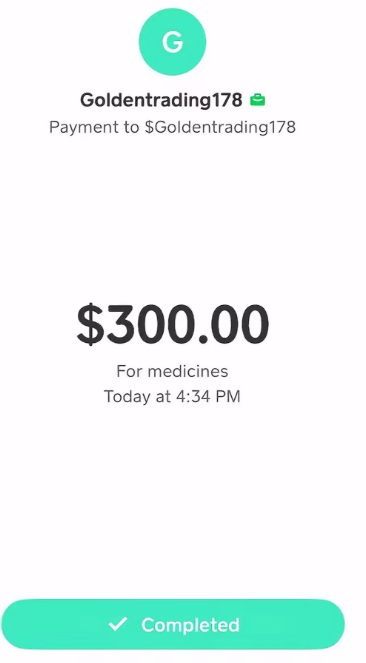
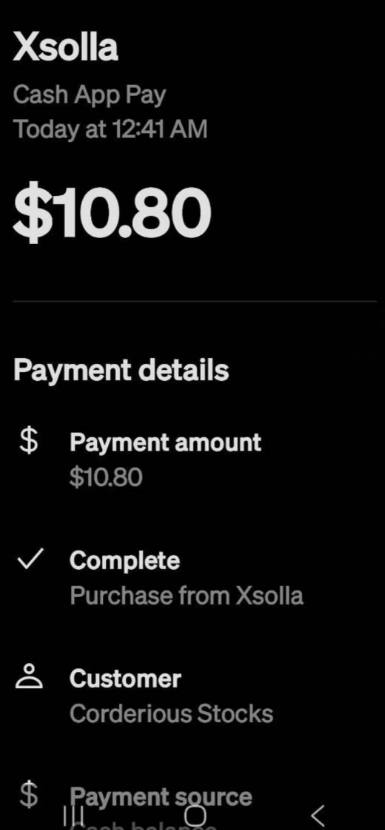
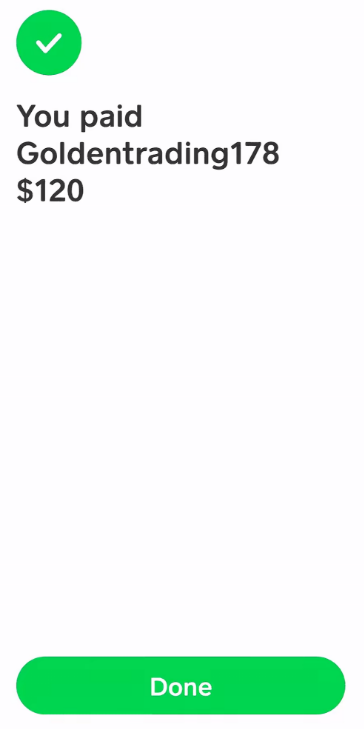
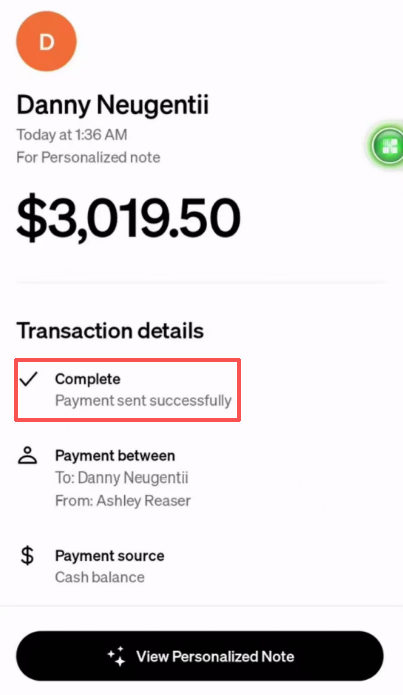
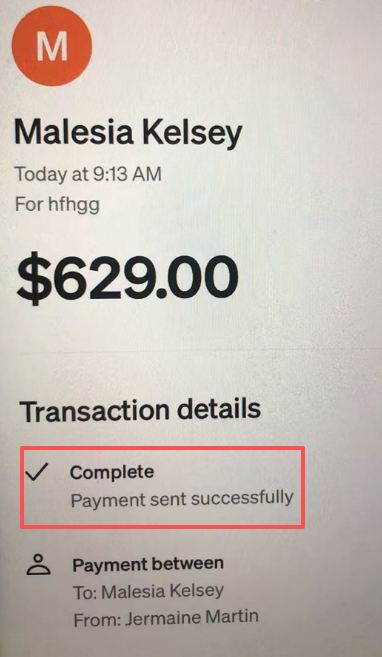
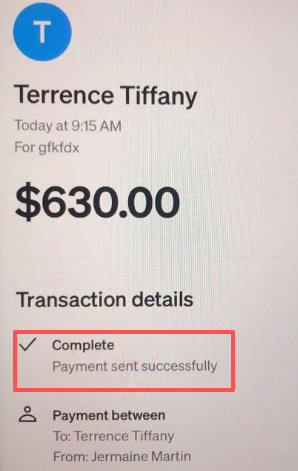
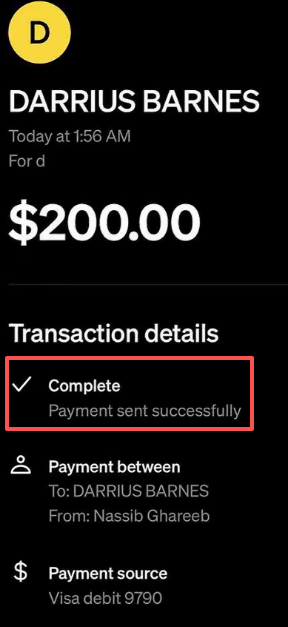
2.2 Success Status — Completed
Definition: The transaction was successfully completed. Funds were deducted from the payer and credited in real time to the recipient.
Interface Display: Green checkmark with "Completed" label. Full transaction receipts are viewable.
Recommended Action: Simply retain the transaction receipt. No additional action required.
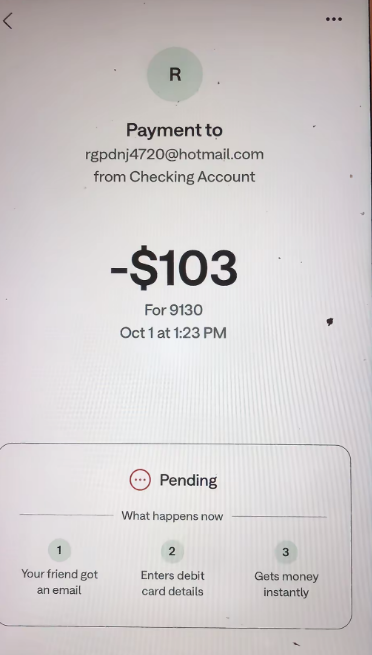
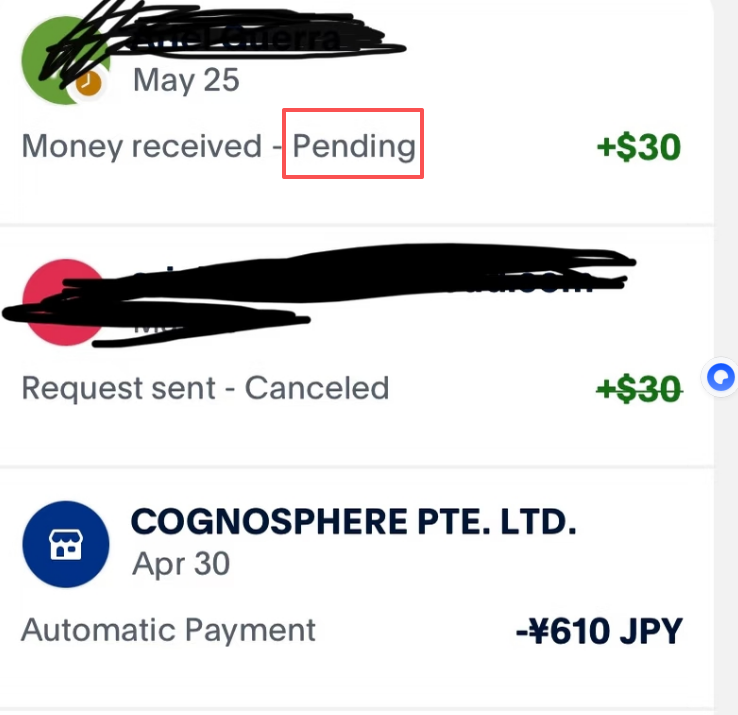
2.3 Processing Status — Pending
Definition: The transaction has been submitted and the platform is conducting security verification and fund clearing.
Interface Display: Gray clock icon with "Pending" label.
Recommended Action: Wait patiently. Regular Pending statuses resolve within 1-3 business days. Do not re-initiate the same transaction.
2.4 Failed/Abnormal Statuses
#### 1. Failed
Definition: The transaction was not completed. No funds were transferred. Amounts are returned to the payer.
Interface Display: Red X mark with "Failed" label.
Recommended Action: Verify both parties' account info and status. Correct and re-initiate.
#### 2. Refunded / Returned
Definition: A completed transaction has been reversed. Funds are returned to the payer.
Interface Display: "Refunded" label next to original transaction.
Recommended Action: Verify the returned amount. Investigate the cause. Re-initiate after confirming correctness.
#### 3. On Hold
Definition: Funds arrived but are temporarily retained by the platform. The recipient cannot access them.
Interface Display: Funds shown as unavailable with "On Hold" label.
Recommended Action: Do not attempt to use these funds. Submit identity/transaction documentation per platform prompts. Wait for review completion.
Supplementary Notes
- All final status determinations are based on Cash App in-app transaction details and official notifications.
- Do not repeatedly initiate the same transfer during processing or abnormal status.
- Contact Cash App official support if abnormal status persists beyond 3 business days.
Important Reminder: Cash App is officially available only to compliant individual users in the US and UK. Please strictly adhere to the platform's Terms of Service and applicable financial regulations. Use only for compliant personal payment scenarios.